
AI + CRM Integration: How Intelligent Automation Turns Data into Action
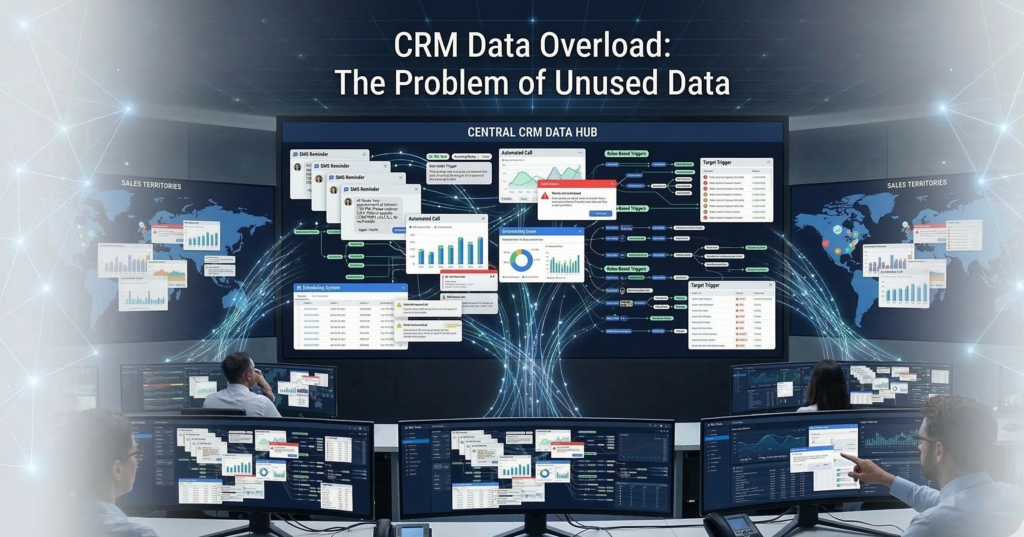
Most CRMs are overflowing with data. Contact histories. Deal stages. Call logs. Meeting notes. Pipeline metrics. Marketing attribution. Yet in many organizations, that information sits idle — recorded but rarely activated. Sales teams still manually route leads. Managers export reports into spreadsheets. Follow-ups depend on human memory instead of systematic triggers. The CRM becomes a system of record, not a system of action. This is where AI CRM integration changes the equation. When artificial intelligence is deeply embedded into CRM workflows, customer data stops being passive storage and becomes a real-time operational engine — triggering workflows, guiding sales behavior, and automating decisions that previously required human oversight. Instead of asking, “What happened in our pipeline?”Organizations begin asking, “What should happen next?” This shift—from data storage to automated action—is what separates basic CRM automation from truly intelligent operations. In this guide, we’ll break down how AI CRM integration works in practice, the architecture behind automated decision systems, and the operational playbook sales leaders use to turn CRM data into measurable pipeline acceleration. What Is AI CRM Integration? (And Why It Matters for Sales Operations) AI CRM integration connects artificial intelligence systems directly to CRM data and workflows so the system can analyze information, trigger actions, and automate operational decisions across the sales process. Instead of humans manually interpreting CRM data, AI continuously evaluates: The system then triggers automated responses based on defined logic. The Difference Between Basic Automation and AI CRM Integration Most CRM platforms already support basic automation such as: But these rules are static. They follow if-this-then-that logic without learning from behavior patterns. AI integration introduces three new layers: 1. Behavioral analysisAI evaluates historical customer and pipeline data. 2. Predictive signalsThe system estimates conversion likelihood or deal risk. 3. Autonomous workflow triggersAutomation executes actions based on those predictions. Example: A traditional CRM rule might say: If a lead fills out a form → assign to sales. An AI-powered system might evaluate: Then automatically: The CRM evolves from a passive database into a decision engine. Actionable takeaway:Before implementing AI, evaluate whether your CRM workflows already capture reliable behavioral data. AI automation depends on structured signals. The Architecture Behind Effective AI CRM Integration Successful AI CRM integration depends less on algorithms and more on data flow architecture. Sales operations leaders often underestimate this layer. AI cannot automate decisions unless data moves cleanly between systems. The Four Layers of CRM Automation Architecture A practical implementation usually contains four connected layers: 1. Data Capture Layer Sources feeding the CRM: The goal is complete behavioral visibility. 2. Data Normalization Layer Incoming data is standardized. For example: Raw Data Normalized CRM Field “NYC” New York “United States of America” United States “CEO / Founder” Executive Normalization prevents automation errors. 3. AI Decision Layer This is where intelligence operates: The system continuously evaluates CRM records. 4. Automation Execution Layer Finally, actions occur automatically: Without these four layers working together, AI cannot operationalize CRM data. Actionable takeaway:Before deploying AI CRM integration, map your data flow architecture. Many automation failures stem from fragmented data pipelines rather than flawed AI. Trigger-Based Automation: The Engine of AI Workflow Automation The operational power of AI CRM integration comes from trigger-based automation. Triggers convert CRM signals into automated responses. Common AI CRM Triggers High-performing sales organizations rely on triggers like: Lead engagement triggers Automated response: Deal risk triggers AI detects: Automated response: Opportunity acceleration triggers AI identifies strong signals such as: Automated response: Micro-insight:The most effective automation triggers are behavioral, not administrative. Many companies build workflows around form submissions and stage changes instead of real customer signals. That limits automation impact. Actionable takeaway:Prioritize triggers tied to customer intent signals rather than internal CRM updates. AI Lead Routing Logic: Assigning Opportunities Automatically Lead routing is one of the most immediate ROI opportunities in AI CRM integration. Manual assignment creates friction: AI solves this with routing logic that adapts dynamically. AI Lead Routing Factors Advanced systems evaluate multiple attributes: Geographic territory Assign leads based on region. Company size Route enterprise prospects to senior reps. Industry specialization Match vertical experience. Rep capacity Balance workloads automatically. Historical win rates Route leads toward reps who convert best in similar scenarios. Example Routing Workflow Response time drops from hours to minutes or seconds. Industry consensus: Faster first response significantly improves conversion rates. Actionable takeaway:Audit how long inbound leads wait before first contact. AI routing should reduce this to near real-time. Automating CRM Reporting and Sales Analytics Sales teams spend enormous time creating reports. Managers export pipeline data, manipulate spreadsheets, and compile dashboards manually. AI CRM integration automates this layer. Reporting Tasks AI Can Automate Common examples include: Instead of static reports, AI generates continuous operational insight. Example Automated Analytics Workflow Example notification: “Three enterprise deals have stalled for more than 14 days with no activity.” This prevents pipeline decay. Micro-insight:Automated analytics are valuable only when they trigger action. Reporting that doesn’t drive operational change becomes noise. Actionable takeaway:Tie analytics alerts to specific workflows — tasks, escalations, or coaching triggers. Google Sheets + CRM Sync: Operational Data Without Manual Exports Despite sophisticated CRM systems, many operations teams still rely on spreadsheets. Google Sheets remains essential for: AI CRM integration can synchronize CRM data automatically with spreadsheet environments. Typical CRM → Sheets Sync Workflows Examples include: Revenue tracking Closed deals automatically update forecasting models. Lead attribution analysis Marketing performance data flows into campaign reports. Sales compensation calculations Deal values update commission tracking sheets. Operational dashboards Pipeline metrics update in real time. This eliminates one of the most common sources of operational friction: Manual exports. Micro-insight:Most CRM reporting gaps exist because operational teams work outside the CRM. AI-driven synchronization bridges that divide. Actionable takeaway:Identify which operational processes currently depend on CSV exports. Those are prime automation opportunities. Implementation Roadmap: Deploying AI CRM Integration AI CRM integration should be approached systematically. Organizations that attempt full automation immediately often encounter data chaos and adoption resistance. A phased roadmap reduces risk. Phase 1 — CRM Data Hygiene Before introducing AI: Automation depends on