
Replacing IVR With Voice AI: Business Benefits, Costs, and Performance Compared

Learn how to replace IVR with Voice AI, improving customer interactions and streamlining operations. I’ll guide you through the process and its advantages.
Voice AI for Call Centers: How Businesses Are Replacing Human Agents in 2026

Discover how I’m leveraging voice AI for call centers to revolutionize customer service in 2026, enhancing efficiency and reducing costs.
AI Agents as Digital Staff: How Businesses Deploy Them the Right Way
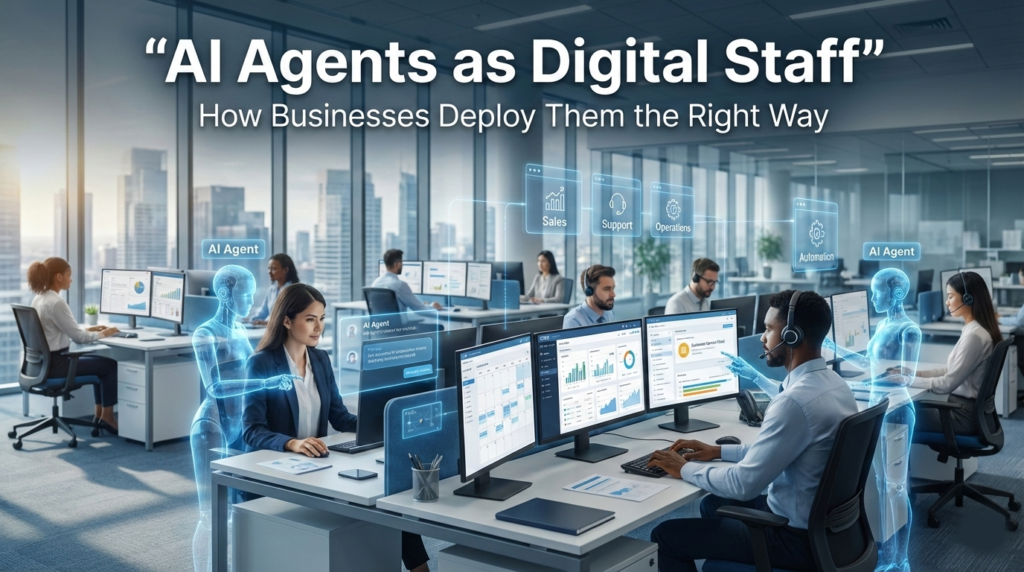
Introduction: From Software Tools to Digital Staff In 2026, most businesses no longer ask whether AI will be part of their operations. The real question is how it should be used. Early automation tools followed strict rules. They waited for a trigger, ran a script, and stopped. Today’s AI agents behave differently. They can observe systems, make decisions within limits, and act across multiple tools. In many organizations, they now resemble junior staff members more than traditional software. This shift is powerful—and risky. Some teams are quietly gaining leverage by deploying AI agents with clear boundaries and accountability. Others are discovering that poorly deployed agents can create security gaps, workflow chaos, and operational blind spots. This article is written for founders, IT managers, and non-technical decision-makers who want a clear, grounded understanding of how AI agents for business are actually being used in 2026—and what “doing it right” really means. No hype. No vendor pitches. Just hard-earned patterns from the field. What Businesses Mean by “AI Agents” in 2026 Agents Are Not Chatbots One of the biggest sources of confusion comes from language. An AI agent is not just a chatbot with a nicer interface. A chatbot responds to prompts. An agent has a job. In practical business terms, an AI agent typically has: This is why many teams now describe agents as digital staff rather than tools. Agentic Automation Explained Simply Agentic automation means automation that can make limited decisions on its own. Instead of: “When X happens, do Y.” You get: “Watch for patterns like X, decide if action is needed, then choose from Y or Z based on context.” For non-technical leaders, the key point is this:agentic systems introduce judgment, not just execution. That judgment must be designed carefully, or it will create unpredictable outcomes. Why AI Agents Are Spreading Across SMBs The Pressure Isn’t Innovation—It’s Capacity Most small and mid-sized businesses are not deploying AI agents because they want to be “cutting edge.” They are doing it because teams are stretched thin. Common drivers include: AI workforce tools promise relief by absorbing routine cognitive work—triage, monitoring, coordination—without adding headcount. When deployed carefully, they can deliver exactly that. Where Agents Are Actually Being Used In real environments, AI agents are most often deployed in quiet, operational roles such as: Notice what’s missing: fully autonomous decision-making on high-stakes outcomes. Mature teams draw that line early. The Hidden Risk: Treating Agents Like Magic Software Overconfidence Is the First Failure Mode Many early deployments fail not because the technology is weak, but because expectations are wrong. A common pattern looks like this: Unlike traditional automation, agents don’t fail loudly. They fail quietly. They might: By the time someone notices, the damage may already be done. AI Agents Increase the Cost of Ambiguity Human staff ask questions when instructions are unclear. AI agents do not. If a process is poorly defined, an agent will still execute it—just not the way you intended. This is why agentic automation tends to expose underlying process debt faster than any audit. In many organizations, the first “AI problem” turns out to be a people or process problem that was already there. Digital Staff Need Digital Management Roles, Permissions, and Accountability Still Matter One of the most effective mental shifts businesses make is this: “We don’t deploy AI agents. We hire them.” That doesn’t mean contracts or HR paperwork. It means: This framing helps non-technical leaders ask the right questions early, before technical decisions lock in risk. Why “Just Connecting Everything” Backfires Modern AI tools make it dangerously easy to connect agents to email, documents, CRMs, and internal systems all at once. From a security and reliability standpoint, this is almost always a mistake. Broad access: Experienced teams start small, isolate workflows, and expand access only after behavior is understood in real conditions. The Emerging Divide: Orchestrated vs. Improvised Agents As AI agents for business mature, a clear divide is forming between two types of deployments. Improvised Agents These are built quickly to “see what happens.” They often: They can deliver short-term wins, but rarely scale safely. Orchestrated Agents These are designed as part of a broader business automation system. They: The difference is not budget—it’s intent. Orchestrated agents treat AI as infrastructure, not a shortcut. At this point, we’ve covered what AI agents are, why businesses are adopting them, and where early mistakes tend to occur. The next step is understanding the systems that keep agents reliable, secure, and aligned with human teams over time. Workflow Orchestration: The Backbone of Reliable AI Agents Why Orchestration Matters More Than Intelligence When businesses talk about AI agents failing, the root cause is rarely the model itself. More often, it’s the absence of workflow orchestration. Workflow orchestration is the structure that decides: Without this structure, even a well-trained agent becomes unpredictable. Think of orchestration as the difference between a solo freelancer and a team working from a shared playbook. The same skills produce very different outcomes depending on the system around them. Orchestration for Non-Technical Teams For decision-makers, orchestration doesn’t require deep technical knowledge. It requires clarity. A well-orchestrated agent should answer simple questions: If those questions can’t be answered clearly, the agent is not ready for production use. AI Agent Security: The Quiet Deal-Breaker Why Security Concerns Are Growing, Not Shrinking As AI agents gain autonomy, security teams are becoming more cautious—not less. Unlike traditional software, agents: This creates new risk patterns that many organizations are still learning to manage. Common Security Missteps Across industries, several security mistakes appear again and again: These issues rarely cause immediate breaches. Instead, they create slow-moving exposure that becomes painful during audits, incidents, or compliance reviews. Private vs. Public Infrastructure Choices Some organizations choose public AI platforms for speed. Others build or host private systems for control. In practice, teams working with private infrastructure providers (such as Carefree Computing) often notice fewer surprises around data residency, access boundaries, and audit trails. The tradeoff is usually more upfront design work. There
AI Voice Automation Workflows That Save Time: Reception, Scheduling, Follow-Ups
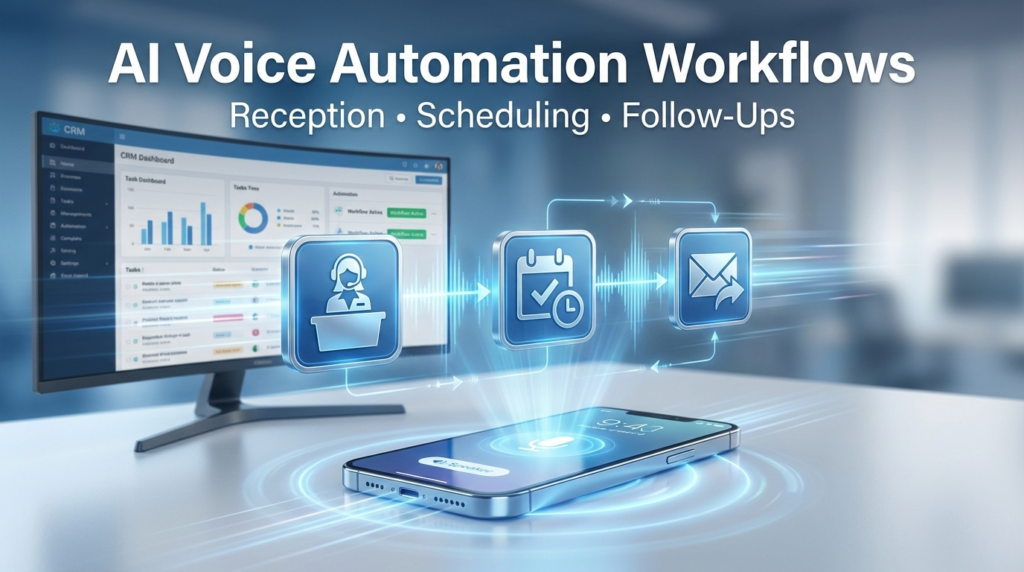
Introduction: Why Voice Automation Is Back on the Table AI voice automation. For years, automated phone systems carried a bad reputation.Rigid menus. Robotic voices. Endless loops that pushed callers away. What’s changed is not the phone line—it’s the intelligence behind it. Modern AI voice automation workflows can now listen, respond, and act in ways that feel closer to a capable assistant than a call center script. For small and mid-sized businesses, this shift is not about replacing people. It’s about removing friction from the most repetitive, time-consuming parts of communication. Reception calls that interrupt focused work.Appointment scheduling that lives in inboxes and sticky notes.Follow-up calls that slip through the cracks. This article explains how AI voice automation is actually being used today, where it helps, where it fails, and what decision-makers should understand before adopting it. No hype. No shortcuts. Just practical clarity. What “AI Voice Automation Workflows” Actually Means Beyond IVR Menus and Phone Trees Many people still associate call automation with “Press 1 for sales.”That’s not what we’re talking about here. AI voice automation workflows are systems that: The key word is workflow.The voice is only the interface. The real value comes from what happens after the conversation. A Simple Mental Model For non-technical readers, it helps to think of AI voice systems as three layers working together: When these layers are connected cleanly, routine calls stop being interruptions and start becoming automated processes. Why Businesses Turn to Call Automation (And Why Some Regret It) The Real Problems Companies Are Trying to Solve Across SMBs and growing teams, the same pain points show up again and again: AI voice automation is attractive because it promises consistency. The phone always gets answered. The process never forgets. But expectations matter. Where Expectations Break Down Many early adopters run into trouble for the same reasons: The result is frustration—for staff and customers. The most successful implementations are narrow, intentional, and boring in the best way possible. Core Voice Agent Use Cases That Actually Save Time Not every task belongs in a voice workflow. The best candidates share three traits: Below are the most common voice agent use cases that meet those criteria. Automated Reception: Handling First Contact Without Losing Trust What Automated Reception Does Well Reception is one of the strongest use cases for AI voice automation workflows. Handled correctly, an AI receptionist can: For callers, the experience feels closer to a competent front-desk assistant than a machine. For teams, interruptions drop sharply. What Should Not Be Automated Where businesses go wrong is pushing reception automation too far. Avoid automating: The goal is not to block humans.It’s to protect their time for the conversations that matter. A Practical Example A local service company receives dozens of daily calls asking: An AI voice agent can handle these calls end-to-end, while routing only unusual requests to a human. The staff sees fewer interruptions, and callers get faster answers. AI Appointment Setting: From Phone Call to Calendar Entry Why Scheduling Is a Hidden Time Sink Scheduling sounds simple. In practice, it’s messy. Phone calls bounce between availability, preferences, and confirmations. Mistakes lead to no-shows or double bookings. Staff members become human routers. AI appointment setting works best when it connects directly to the source of truth: the calendar. How Voice-Based Scheduling Works A typical workflow looks like this: No back-and-forth emails. No sticky notes. No manual entry. Guardrails That Matter To keep trust intact, successful systems: Scheduling automation should feel reliable, not clever. CRM Follow-Up Automation: Closing the Loop Without Chasing People Why Follow-Ups Fail in the Real World Most businesses don’t ignore follow-ups.They just lose track of them. Calls end with good intentions: Then the day fills up. The follow-up becomes manual. Eventually, it disappears. This is where CRM follow-up automation paired with voice workflows quietly changes outcomes. How Voice-Based Follow-Ups Actually Work In a practical setup: The voice agent isn’t improvising.It’s executing a predefined loop with consistency. When Voice Follow-Ups Make Sense Voice follow-ups work best for: They are less effective for: Used properly, follow-up automation doesn’t replace relationships.It prevents relationships from being neglected. Automated Customer Support Calls: Reducing Volume Without Deflection The Support Problem No One Talks About Customer support teams are often judged by response time, but the real cost comes from repetition. The same questions arrive every day: Voice automation can absorb a large percentage of this volume—if it’s designed carefully. The Right Way to Automate Support Calls Effective automated customer support systems: The mistake is trying to sound human at all costs.Clarity matters more than personality. Trust Is Earned Through Predictability Customers tolerate automation when: They resent it when automation feels like a gatekeeper. Support automation should feel like a shortcut, not a wall. Call Automation for Business: Infrastructure, Not a Feature Why Voice AI Is an Infrastructure Decision One of the biggest misunderstandings is treating call automation as a plug-in. In reality, it touches: That makes it infrastructure. Teams that rush implementation often find themselves rebuilding later. Cloud vs Private Voice Systems Many companies default to public cloud platforms because they are easy to start with. Others choose private infrastructure for reasons like: In practice, teams working with private infrastructure providers (such as Carefree Computing) often notice fewer constraints around customization and data handling. The tradeoff is higher upfront planning and responsibility. Neither approach is universally better.The decision depends on risk tolerance, scale, and governance. Common Mistakes Businesses Make With Voice Automation Automating Before Understanding the Process If your team cannot describe how calls should flow, automation will magnify the confusion. Before introducing AI, answer: Automation works best on clarity, not chaos. Overestimating AI’s Judgment AI can follow rules exceptionally well.It does not understand context the way humans do. Trying to automate edge cases leads to brittle systems and unhappy callers. Ignoring Change Management Employees often fear automation—not because it replaces them, but because it’s introduced without explanation. The healthiest rollouts: Voice automation succeeds socially before it succeeds technically. Security, Privacy, and Compliance: The Quiet Deal-Breakers
Private Voice AI: How to Keep Customer Calls Secure and Compliant
Voice AI has moved fast. What started as simple phone trees and call transcription has turned into full conversations handled by machines—booking appointments, answering support questions, and even processing payments. For small and mid-sized businesses, this shift is tempting. Automated calls promise faster response times, lower costs, and better customer coverage. But voice is not just another data stream. Calls carry personal details, emotional context, and sometimes legally protected information. When voice AI is handled carelessly, the risks are real—and often invisible until something breaks. This article explains what “private voice AI” actually means, why so many companies misunderstand it, and how to think clearly about security and compliance without needing a technical background. The goal is not to sell a tool, but to help decision-makers ask better questions before deploying AI on customer calls. Why Voice AI Raises the Stakes for Privacy and Compliance Text-based AI already raised concerns about data handling. Voice AI amplifies them. A single phone call can include names, phone numbers, account details, health information, payment discussions, and emotional cues. Unlike typed chat, callers often speak freely, assuming the conversation is private. For businesses, this creates a heavier responsibility. Voice Is Biometric Data, Not Just Audio Many people don’t realize that voice can be used to identify a person. In some regions, voice recordings are treated as biometric data, which places them under stricter rules than generic recordings. That means: Companies that treat voice AI like “just another chatbot” often miss this distinction. Calls Create Permanent Records by Default Modern voice AI systems often record, transcribe, analyze, and store calls automatically. This happens even when the business never listens to them. Common assumptions that cause trouble: In practice, many systems create long-lived data trails unless explicitly configured not to. Trust Is Hard to Win Back Customers may forgive a slow response or a clumsy automated agent. They are far less forgiving when private conversations leak or are misused. For small businesses especially, trust is not abstract. A single incident can ripple through reviews, referrals, and long-term relationships. How Voice AI Systems Actually Handle Calls Most non-technical explanations skip this part, which leads to confusion later. You don’t need to know code, but you do need to understand the basic flow. Here is what typically happens during an AI-handled call. Step 1: Audio Is Captured and Streamed As soon as a call connects, audio is captured and sent somewhere for processing. That “somewhere” might be: The destination matters more than many people realize. Step 2: Speech Is Transcribed Voice AI almost always converts speech into text. This transcription step is where a lot of sensitive data becomes searchable and storable. Important questions often overlooked: Once text exists, it is much easier to copy, analyze, or leak than raw audio. Step 3: AI Processes the Conversation The AI uses the transcript to decide how to respond. Depending on the setup, this may involve: Each of these can introduce compliance issues if not controlled. Step 4: Responses Are Generated and Logged AI-generated responses may also be logged, creating a full conversational record. In some systems, both sides of the call are stored together. This is where businesses often lose visibility. They know calls are automated, but not where the full record lives. Privacy vs. Security: A Difference That Matters These two terms are often used interchangeably. They are not the same, and confusing them leads to poor decisions. Security Is About Protection Security focuses on preventing unauthorized access. Examples include: A system can be technically secure and still misuse data. Privacy Is About Purpose and Control Privacy is about how data is used, not just how it is protected. Key questions include: Many voice AI systems are secure but not private by design. Why This Distinction Trips Businesses Up A vendor may truthfully say their platform is “secure,” while still: None of this is automatically illegal, but it may conflict with customer expectations or industry rules. The Compliance Landscape (Without the Legal Jargon) You don’t need to memorize regulations, but you should understand the categories they fall into. Consent Laws In some regions, recording calls requires: Voice AI systems that record or transcribe calls must respect these rules, even if the business never listens to the recordings. Data Protection Regulations Rules like GDPR, HIPAA, or similar frameworks focus on: Voice data often falls under these rules once it is stored or analyzed. Industry-Specific Requirements Some sectors face stricter expectations: Using generic voice AI tools in regulated industries without customization is a common—and costly—mistake. Where Businesses Commonly Go Wrong with Voice AI Most problems with voice AI don’t come from bad intentions. They come from assumptions that go unchallenged during setup. Below are patterns that show up repeatedly across industries. Mistake 1: Assuming “the vendor handles compliance” Many businesses believe compliance is automatically included when they use a reputable AI platform. In reality, compliance is often shared—or entirely pushed onto the customer. Common gaps include: Vendors usually provide tools to configure privacy, but they rarely enforce conservative defaults. Mistake 2: Treating voice AI like a call center add-on Voice AI is often introduced by operations teams focused on efficiency. Security and compliance conversations happen later, if at all. This leads to issues such as: Once AI is live on customer calls, retrofitting controls becomes harder. Mistake 3: Over-recording “just in case” Recording everything feels safe at first. Teams want logs for training, debugging, and quality review. Over time, this creates: In many cases, businesses rarely revisit these recordings after the first few weeks. Mistake 4: Confusing anonymization with privacy Some systems claim data is anonymized. In practice, voice and conversational context can often be re-identified, especially when combined with metadata like phone numbers or timestamps. Anonymization reduces risk, but it does not eliminate responsibility. What “Private Voice AI” Actually Means The term “private voice AI” is used loosely. To be useful, it needs to be grounded in concrete behaviors, not marketing language. At its core, private voice AI
Voice AI vs Chatbots: What Works Better for Lead Conversion?
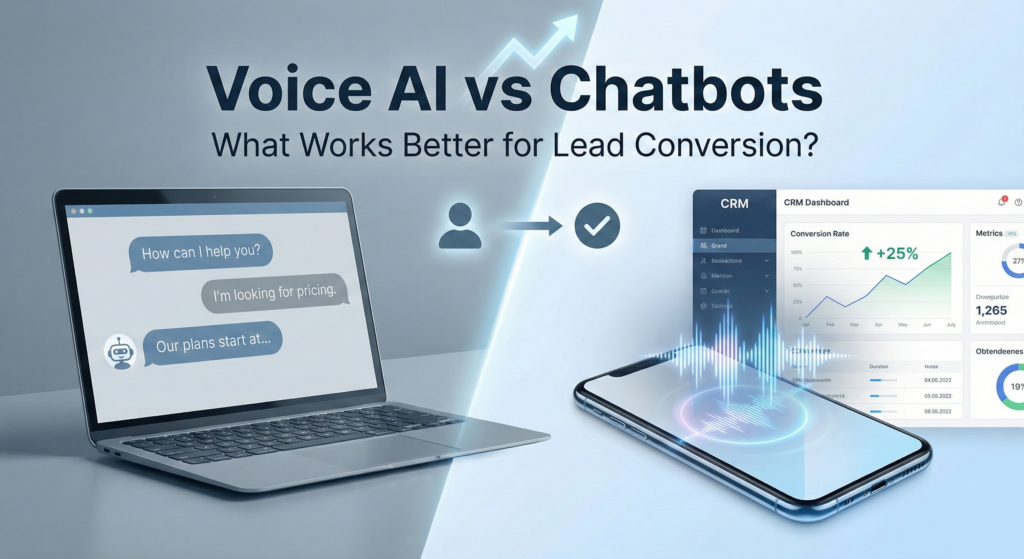
Introduction: Why This Question Matters Now Voice AI? If you run a small or mid-sized business, you’ve probably been told—more than once—that “AI will fix your leads.” Chatbots promise 24/7 coverage. Voice AI promises human-like conversations. Both claim better conversion rates, fewer missed opportunities, and less strain on your team. Yet many founders and IT managers quietly share a different story: This gap between promise and outcome is why the debate around voice AI vs chatbot has intensified. Not as a technology showdown, but as a practical question: what actually helps convert real prospects into qualified leads? This article is written for non-technical decision-makers who want clarity—not hype. We’ll look at how each system works, where businesses get misled, and what matters most when lead conversion is the goal. No sales pitch. No tools to buy. Just hard-earned insight from how these systems behave in the real world. Understanding the Core Difference (Without the Jargon) Before comparing performance, it helps to understand what we’re really comparing. What People Usually Mean by “Chatbots” In most businesses, a chatbot is: Modern chatbots are far more capable than early scripted versions. They can understand intent, handle free-form language, and integrate with CRMs. But they are still text-first interactions. What People Usually Mean by “Voice AI” Voice AI (or voice agents) refers to systems that: In theory, they act like a trained receptionist or sales assistant—listening, responding, and guiding the caller. In practice, their effectiveness depends heavily on context, setup, and expectations. Why Lead Conversion Is a Different Problem Than “Support Automation” A major source of confusion is that many articles treat lead conversion and customer support as the same problem. They are not. Support Automation Priorities Support systems focus on: If a chatbot answers a billing question correctly, it did its job—even if the experience felt cold. Lead Conversion Priorities Lead conversion is about: A prospect isn’t just seeking information. They’re deciding whether your business feels credible, responsive, and worth engaging with. This distinction matters because a tool that excels at omnichannel support automation may perform poorly at lead qualification automation. Where Chatbots Perform Well for Lead Conversion Despite criticism, chatbots are not ineffective by default. In fact, in the right conditions, they quietly outperform more complex systems. Low-Pressure, High-Intent Scenarios Chatbots tend to work best when: Examples include: In these cases, a chatbot acts as a friction remover rather than a persuader. Asynchronous Conversations One underappreciated strength of chatbots is timing. Visitors can: For many people—especially outside sales-heavy industries—this feels safer than a phone call. Quiet Data Collection Chatbots are good at collecting structured information: When designed well, this data feeds downstream systems without interrupting the user’s flow. Where Chatbots Commonly Fail (And Why It Hurts Conversion) The biggest chatbot failures are not technical. They’re psychological. Overestimating User Patience Many businesses assume visitors will “figure it out.” In reality: If a chatbot asks too many questions or responds with long blocks of text, trust erodes fast. Mistaking Conversation for Understanding A chatbot can sound fluent without being helpful. Common complaints include: From a lead’s perspective, this feels like being politely ignored. Treating All Leads the Same Chatbots often lack context awareness. A first-time visitor and a returning prospect may receive identical treatment—even though their intent is very different. This is one reason reported chatbot engagement doesn’t always translate into revenue. The Voice AI Promise: Why Businesses Get Excited Voice AI entered the conversation because it seems to solve these problems at once. After all, humans convert leads over the phone all the time. So the logic goes: On paper, this makes sense. But the reality of chatbot vs voice assistant for business is more nuanced. Where Voice AI Can Improve Lead Conversion Voice AI shines in specific, high-context situations. High-Intent Inbound Calls When someone picks up the phone, they are already motivated. Voice AI performs best when: In these moments, a competent voice agent can prevent lost leads entirely. Structured Qualification Voice agents excel when the goal is narrow, such as: Here, tone matters less than clarity and speed. Industries Where Phone Is Still the Norm In sectors like healthcare, legal services, home services, and logistics, voice remains the default channel. In these environments, replacing or augmenting human reception with AI can materially affect lead capture. Where Voice AI Breaks Down (And Why Teams Don’t Expect It) The biggest problem with voice AI isn’t accuracy.It’s expectation mismatch. Many teams assume that if a system can talk, it can persuade. In practice, persuasion is where most voice agents struggle. Conversational Friction Is Less Forgiving on the Phone In text, small mistakes are easy to ignore. On a phone call, they are amplified. Common failure points include: Humans subconsciously judge competence faster in voice interactions. When something feels “off,” trust drops almost instantly. The Uncanny Valley Effect A well-known but rarely discussed issue is discomfort. When a voice agent sounds almost human but not quite, callers often feel misled. This can trigger: Ironically, a clearly automated chatbot may feel more honest than a voice agent pretending to be human. Phone Calls Carry Higher Emotional Stakes Calling a business implies urgency or importance. If the voice AI: The experience feels worse than waiting for a human. This is one reason reported voice agent conversion rate gains vary wildly between companies. The Infrastructure Reality Most Articles Ignore One theme that surfaces repeatedly in technical forums and practitioner discussions is infrastructure. Not features. Not prompts. Infrastructure. Latency and Reliability Matter More Than Intelligence For voice AI especially, milliseconds matter. Issues that quietly harm conversion include: From the caller’s perspective, these feel like incompetence, not technical hiccups. Public Cloud vs Private Systems Many organizations deploy voice and chat systems entirely on shared public infrastructure. This works—until it doesn’t. Teams running higher-stakes interactions often notice that: In practice, teams working with private infrastructure providers (such as Carefree Computing) often notice fewer edge-case failures—not because the AI is smarter, but because the system is more predictable. This distinction rarely